
⌁PROTECTED TESTER TOOL
Profile Studio
Sketch a 2D cross-section from built-in templates, edit individual points in millimetres and export the result as DXF or SVG.
Sign in to previewPowerful sheet-metal tools shouldn't be difficult to use. Meet Norman 2.0 — a growing collection of practical tools for fabricators, estimators and sales teams.
Start with a sketch, refine it with exact dimensions and turn it into a file you can work with.
Sketch a 2D cross-section from built-in templates, edit individual points in millimetres and export the result as DXF or SVG.
Sign in to previewNorman's longer-term vision connects drawing, dimensioning and fabrication decisions in one understandable workspace.
Machine-aware tools and production planning are part of the desktop Norman 2.0 project, not claims about this web preview.
Approved testers can open the browser-based profile sketcher without an installation. The tool is not a verified flat-pattern or bend calculator.
Open tester preview ↗Begin with an L, U, Z, hat or flat profile.
Drag sketch points or type exact X/Y positions in millimetres.
Keep sketches on your device and export DXF, SVG or project JSON.
Stages below reflect the current development handover, not a released or production-certified installation.
Modern navy-and-cyan workspace, clearer navigation, shortcuts and safer view switching.
Searchable illustrated product selection and a smoother route into Norman's existing editor.
The current work concentrates on easier modelling and clearer real fabrication information.
Detailed scope and acceptance criteria will be published when agreed with the desktop team.
Planned in the six-stage programme; functionality has not yet been formally announced.
Completion of a UI stage alone will not replace Windows acceptance and fabrication validation.
Source features and automated test passes are evidence of development progress — not proof that the installed Windows release or every DXF and flat pattern is approved for manufacture.
The online prototype uses its own simplified browser sketcher. It does not replace or reuse unverified desktop geometry.
Editable 2D sketches, local device saves and basic DXF / SVG / JSON exports.
● Prototype · restricted accessStronger drawing controls and import/export verification when test requirements are defined.
○ PlannedAny desktop geometry integration must first pass independent validation and a defined interface.
○ Not approved for web releaseEverything below refers to the supplied desktop handover and the separate experimental web prototype.
Development has moved to the actual 2D editor, 3D viewer and flat-pattern workspace. The aim is smoother navigation and dimension editing while keeping the existing fabrication tools intact.
DESKTOP · STAGES 1 & 2 CANDIDATESThe Stage 2 integrated candidate retained the original 130 presets and added 180 editable section profiles. Its 237 automated checks passed in the development environment: 171 application and 66 UI/library tests.
Not yet approved: the latest candidate has not replaced the working Windows installation. Python 3.12 acceptance testing, saved-job regression testing and fabrication geometry validation remain outstanding.
Full development notes ↗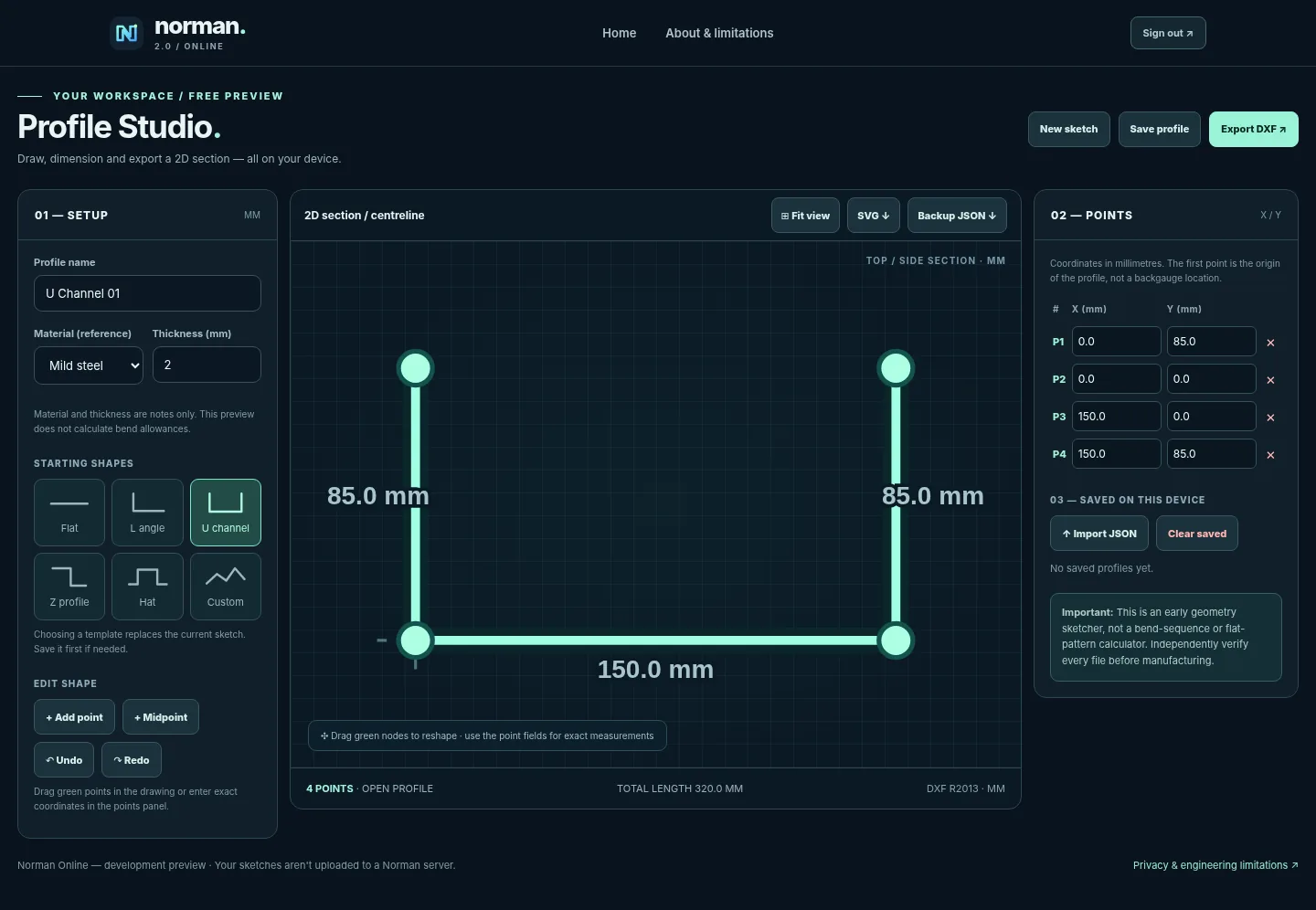
Gutters, corners, downpipes, outlets, transitions, custom drawing, saved jobs and DXF export. Preservation of existing geometry and exporter code is reported by the desktop team.
One consolidated Windows installation, Python 3.12 acceptance, saved jobs and accurate flat patterns/DXF output across representative parts. No public installer or production certification is claimed.
Independent projects, each with its own purpose.
Discover the public desktop roadmap, or sign in to experiment with the separate protected online sketcher.
Tester sign-in